The new Samsung Galaxy Smartphone has been specially designed for ease of use. At last here is the ideal smart phone for those people confused by technology who just wish to be able to do a few simple things.
The Home Screen
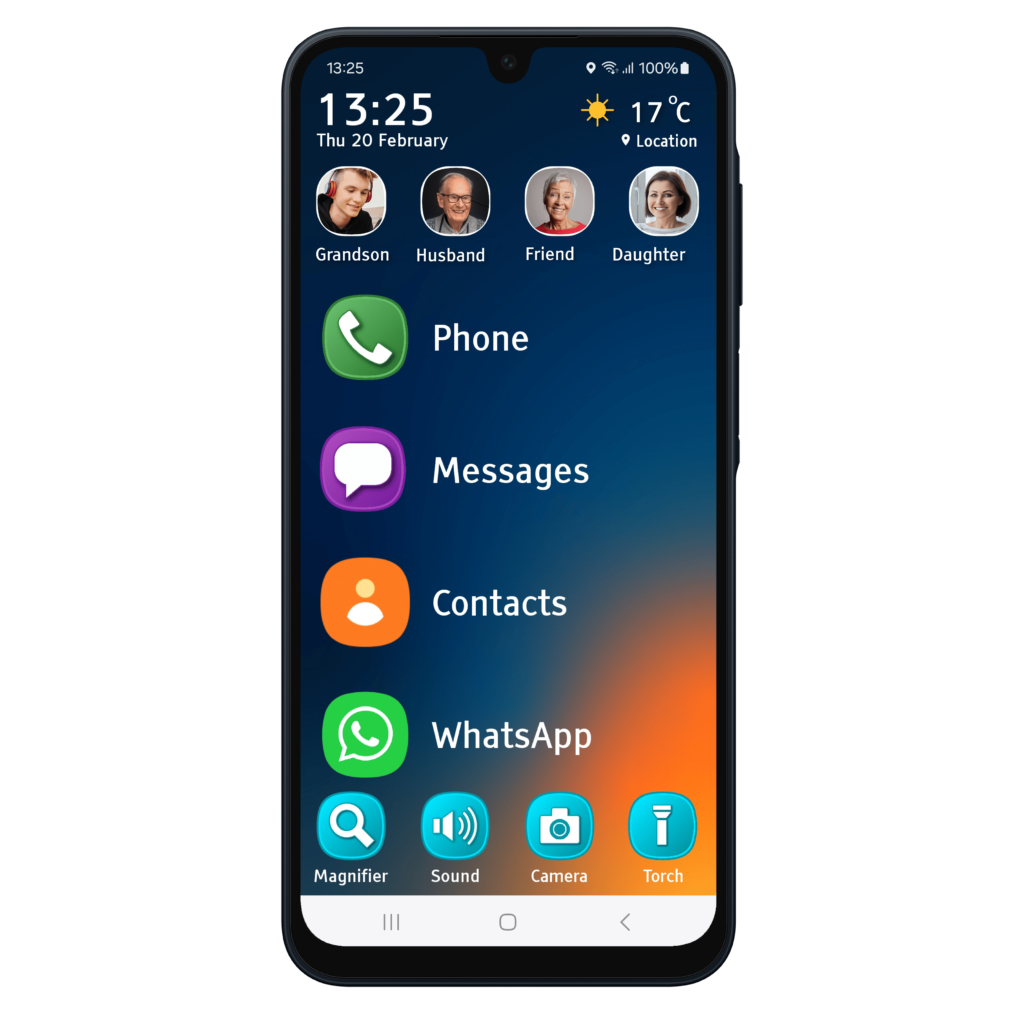
The home screen gives easy access to favourite apps and key functions. It also displays the time, date and weather. In addition, you can assign up to 4 persons to your home screen so you can contact them at the touch of a button.
Easy Navigation
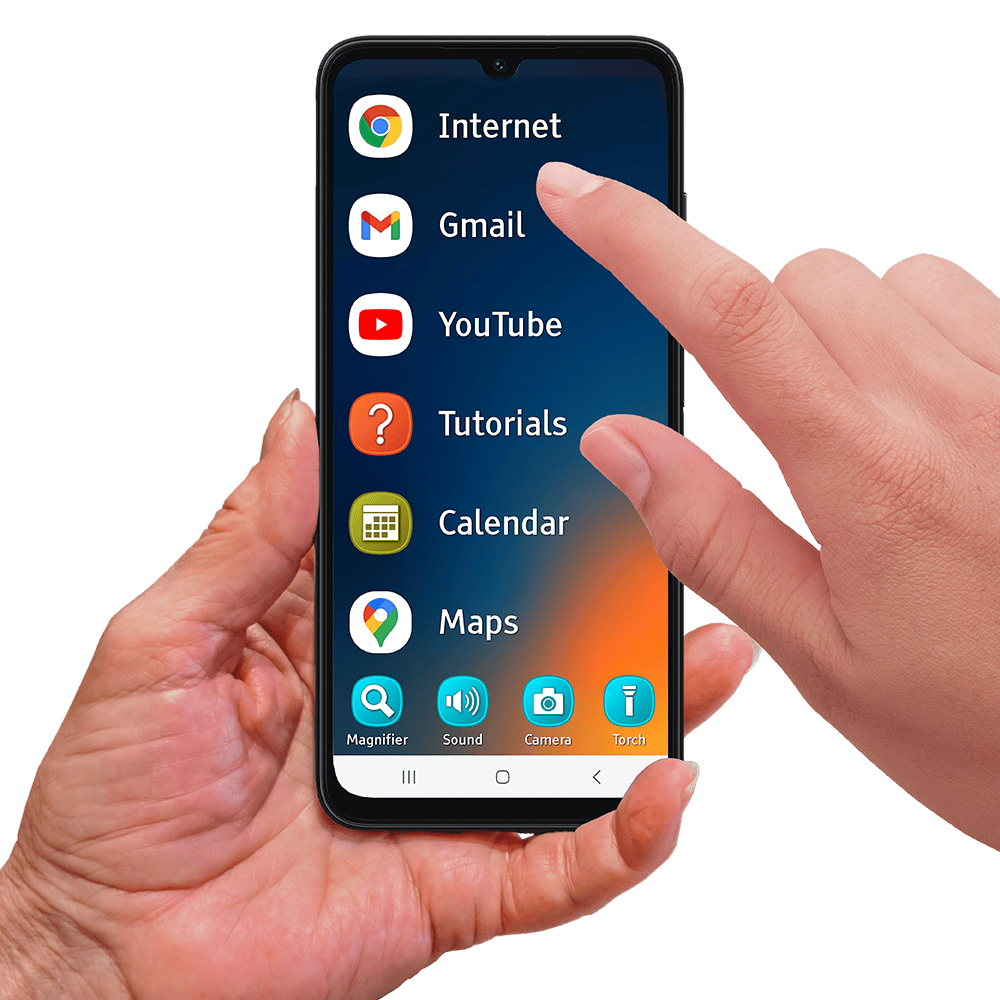
Favourite apps and functions are displayed in an easily scrollable list, so you can always find what you are looking for.
Large Icons & Touch Areas
Select the functions you want with confidence. All icons are large and easy to see and touch areas have been enlarged to ensure you won’t miss.
Easy Messaging
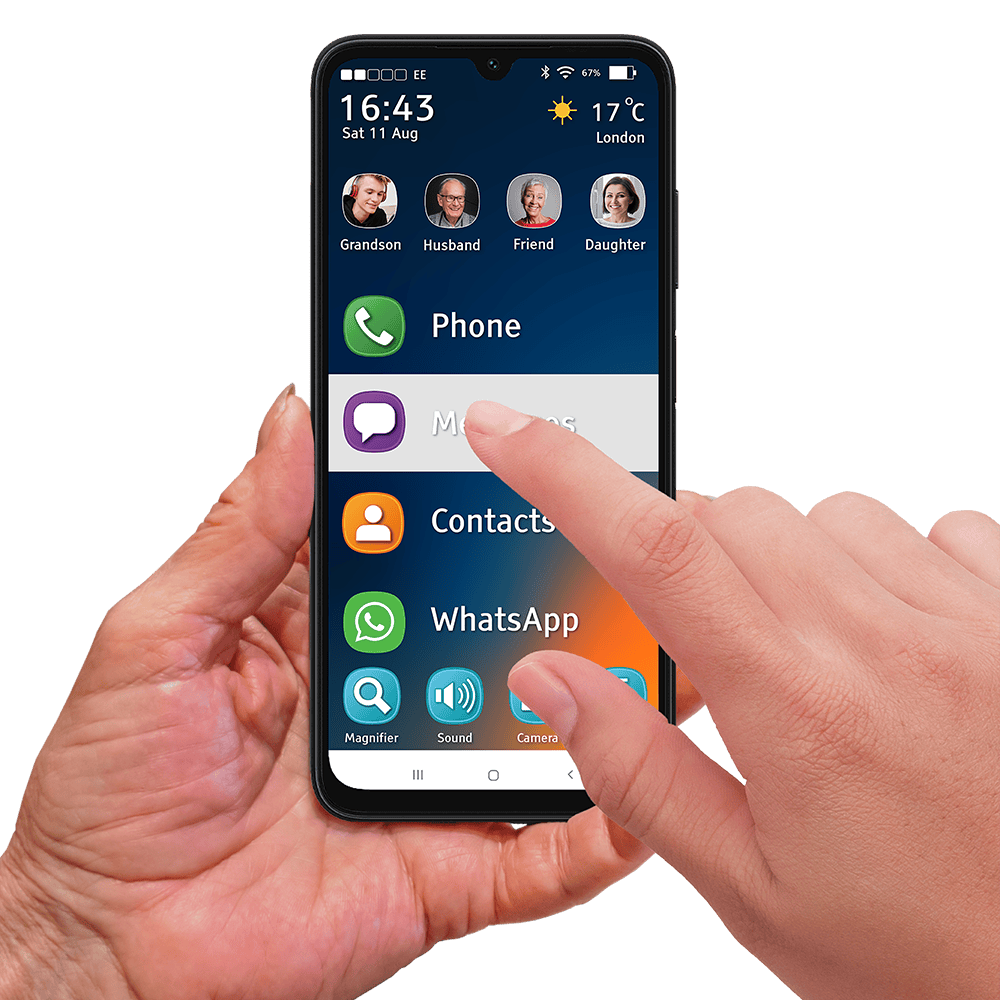

Text messaging is a great way to keep in touch with family and friends. The messaging function is easy to use and displays text message conversations in a very clear and legible way. Alternatively, other messaging apps, such as WhatsApp work great too.
Intuitive Layouts
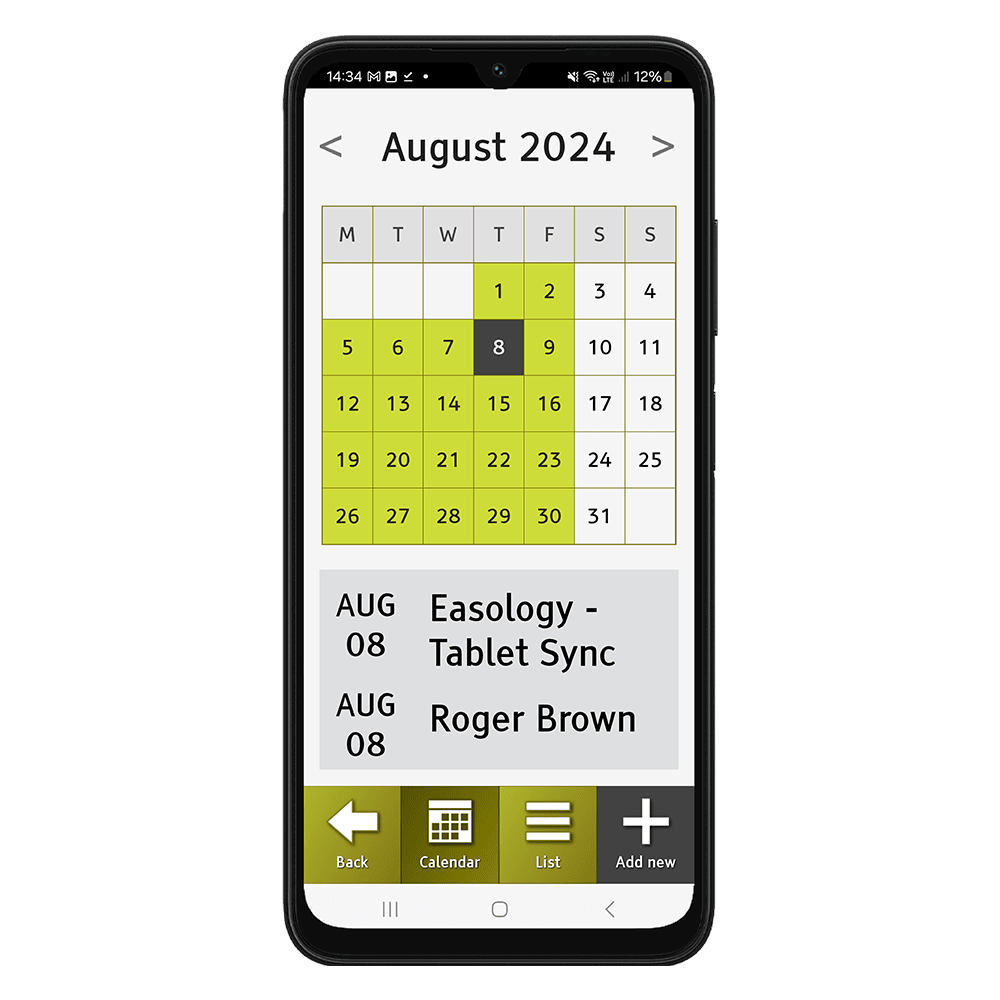
Information is displayed in a clear, structured and intuitive way, helping to reduce input overload and enabling you to access what you need more easily.
Large Text
Text is displayed in clear and large-sized font. This combined with the large and bright 6.7” LCD touch-screen, makes reading text easy and comfortable.
Clear Labels
Buttons and icons are clearly labelled to assist you whilst you navigate. Also, never get lost whilst using your smartphone; With the touch of a special ‘home button’, you can return to the home screen immediately.

Browse The Internet
Browse the internet with effortless ease and enjoy information at your fingertips.
Download Apps
Download your favourite apps from the Google App Store and add them to your home screen. Whether it’s WhatsApp, Facebook, Trainline or Sudoku, add your favourite apps to the home screen and put them in any order you wish.
Useful Features
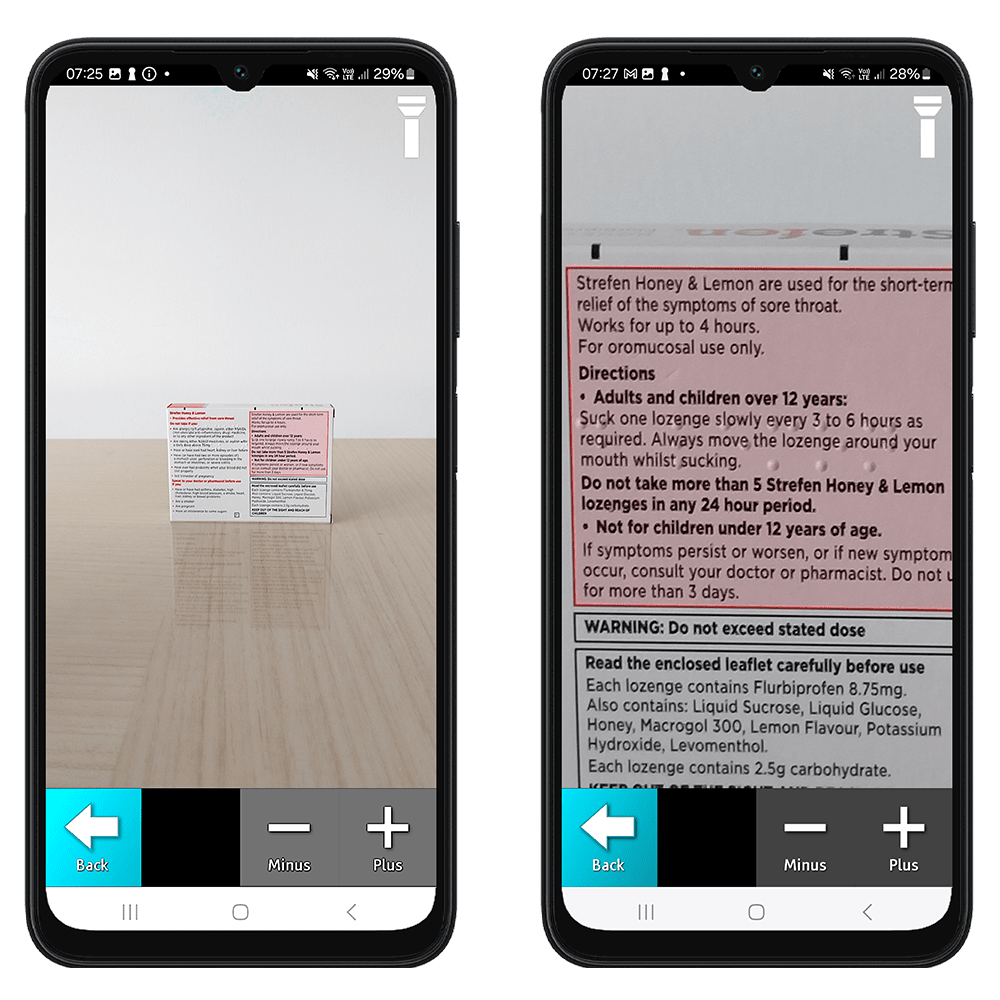
Another useful feature is the built-in magnifier for reading small text on leaflets and packages.

Leave a Reply