
Sharing too much on social media
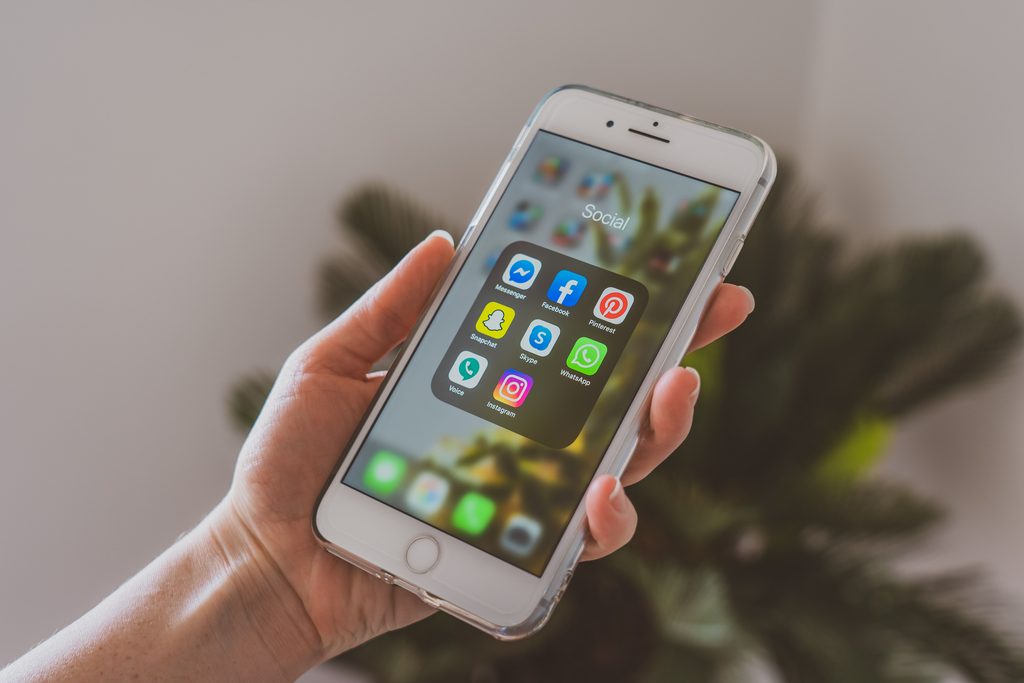
Social media is a great way to keep in touch with friends and family, but it’s worth thinking carefully about how much personal information you’re sharing. Details such as your birthday, location or the names of family members could help scammers piece together information about you.
Fraudsters might use these details to make scam messages seem more convincing or guess the answers to security questions linked to your online accounts. A scammer who knows the name of a family member could mention them in a message to make it seem genuine.
Key Risks of Sharing Online
- Identity theft and account takeover: Details like birthdates, family or pet names, school names, and viral challenge answers can help attackers guess passwords, answer security questions, or commit fraud.
- Tailored scams and social engineering: Scammers use public posts about your job, interests, or recent events to send convincing phishing messages or impersonate you.
- Physical safety and stalking: Live location tags, check-ins, travel updates, and photos showing house numbers, street signs, or routines can reveal where you are—or that your home is empty.
- Deepfakes and non-consensual misuse: Once photos or videos are posted, they can be copied, altered with AI, or shared elsewhere without your consent.
- Risks to children (“sharenting”): Posting children’s photos, names, school details, or daily habits can affect their future privacy, expose them to unwanted contact or exploitation, and create long-term digital footprints.
- Mental health and reputation harm: Comparing curated lives, chasing likes, or facing online harassment can increase anxiety and low self-esteem, while deleted posts can still be screenshotted or archived.
Practical Ways to Reduce Risk
- Tighten privacy settings: Switch profiles to private, limit who can message or comment, and turn off live location sharing. Review the Harvard Business School IT oversharing guide for a quick pre-post checklist.
- Pause before posting: Hold off on sharing real-time locations, sensitive personal details, or photos that identify schools, workplaces, or home addresses.
- Protect children’s privacy: Avoid sharing identifying school or location clues and ask before posting about older children; see the NSPCC social media safety guide for UK family guidance.
- Lock down accounts: Use strong, unique passwords and multi-factor authentication so a leaked detail cannot unlock your accounts
Take a few minutes to review your privacy settings on Facebook, Instagram and other social media accounts. Check who can see your posts, avoid accepting friend requests from people you don’t know and never use publicly available personal details in your passwords or security questions.
Do this on Facebook and Instagram
To limit who can see your social media posts and personal information, follow these steps:
- On Facebook – select your profile picture, then go to Settings & privacy > Privacy Checkup > Who can see what you share. Set future posts to Friends, review who can see your personal details and limit the audience for older posts.
- On Instagram – open your profile (bottom right icon on the app), tap the three-line menu and select Account privacy. Turn on Private account so that only approved followers can see your posts.
Note that making your account private won’t necessarily hide your profile picture, username or other basic details.